Black Out Text on Image With Zero Alpha Bleed-Through
Unlike mobile markup pens that stack semi-transparent strokes, our Censor Bar writes opaque RGB values directly into the output buffer—impossible to brighten, invert, or de-convolve.
Blur Part of Image regions—or permanently black out confidential text, API keys, bank balances, home addresses, and ID numbers—100% locally inside your web browser. Built for developers filing GitHub issues, support reps sharing ticket screenshots, and sellers masking paperwork: unlimited free exports, zero server uploads, EXIF stripped, and zero watermark.
100% private local mode for photos & clips up to 30s · Zero watermark on every export
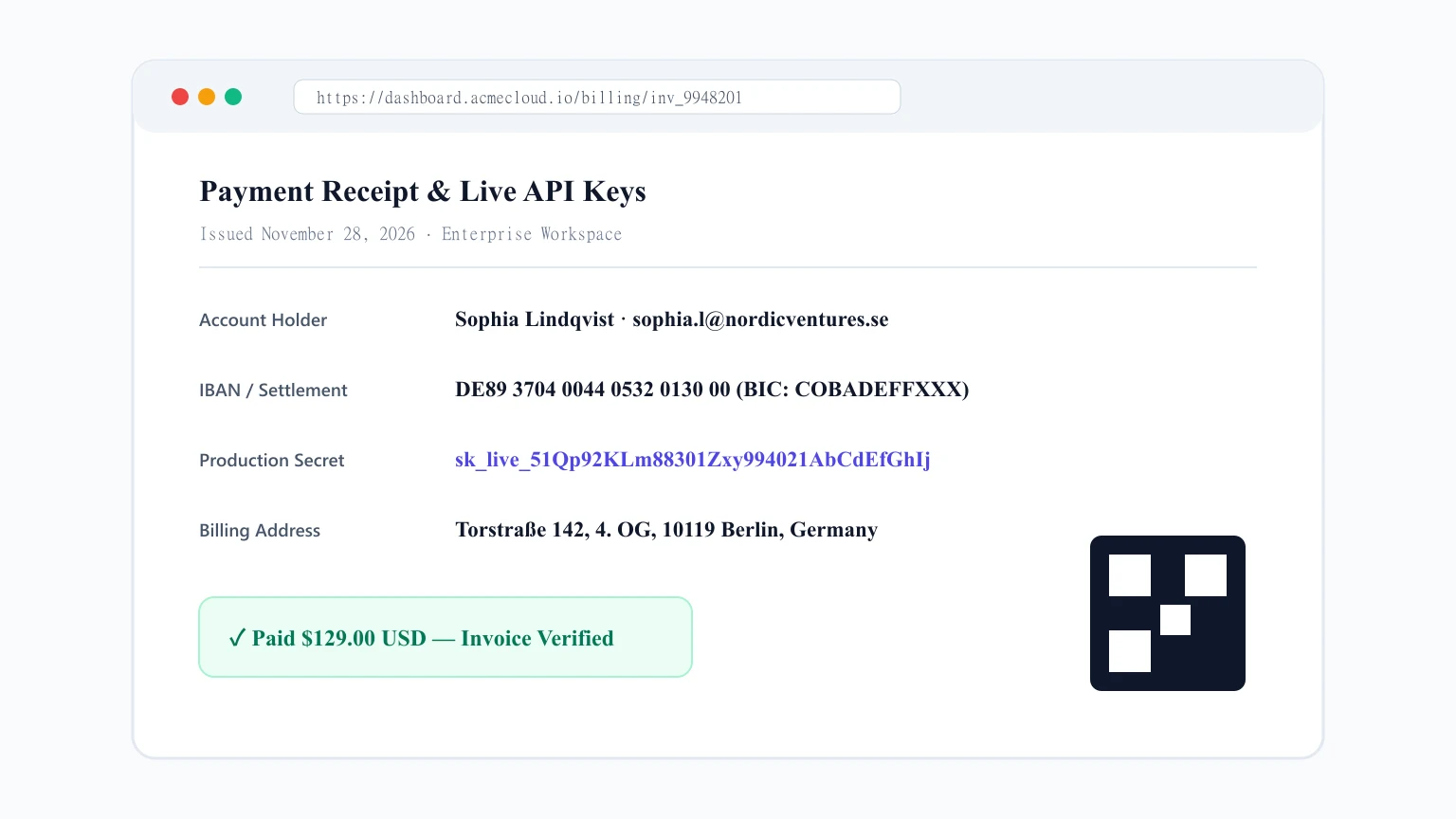
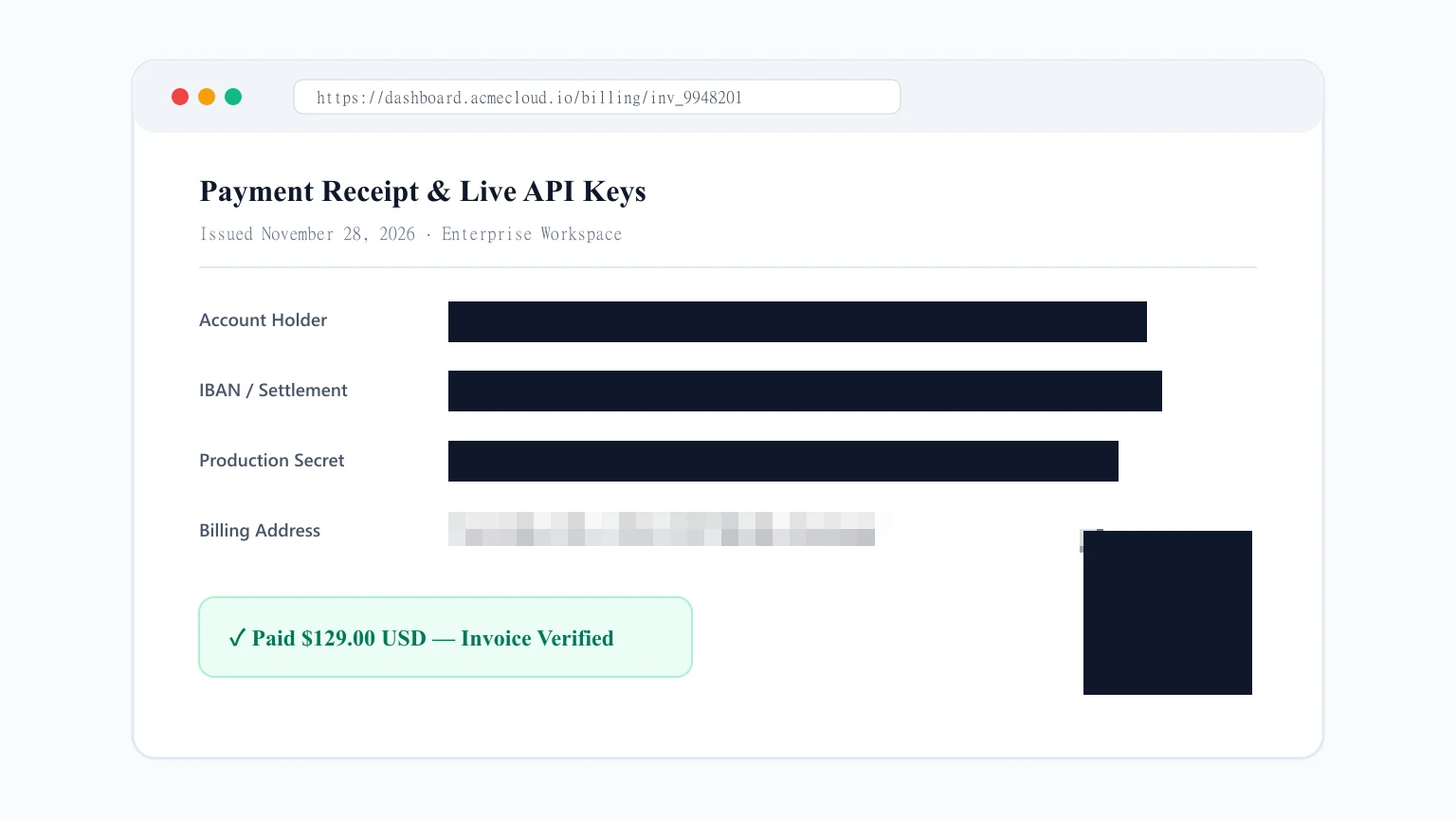
Drop your video or photo here, or test instantly below — Drag inside any box to move it, drag its corner square to resize, or drag anywhere to draw a new blur region.
Redaction Style
Detected People & Plates (Click to Keep Speaker Sharp)
Processed 100% on your device. Zero upload, zero watermark.
Private On-Device Mode
Photos and short clips up to 30 seconds process directly inside your browser—files never leave your device.
Selective Speaker Lock
Click your own face once to stay sharp while background pedestrians, children, and license plates blur automatically.
Zero Watermark Exports
Download clean MP4, WebM, or PNG files ready for YouTube, TikTok, Reels, dashcam claims, and client reports.
Irreversible PII redaction: Solid Censor Bar (zero luminance) on account IDs + coarse mosaic on address lines, 100% local.
Pasting screenshots of Stripe dashboards, medical bills, shipping labels, or .env terminals into third-party cloud design apps defeats the entire purpose of redacting secrets in the first place. When you blur part of image files on this page, every byte stays locked inside local browser memory.
Auto Face ScanLoad PNG, JPG, or WebP screenshots directly from macOS, Windows Snipping Tool, iPhone, or Android. Zero network requests touch your file. Need to redact a screen-recording video instead? Open Blur Video Online or Pixelate Video.
Speaker Kept SharpPlace crisp rectangular masks over names, credit-card digits, QR codes, email headers, or street addresses. Add as many redaction boxes as your document requires.
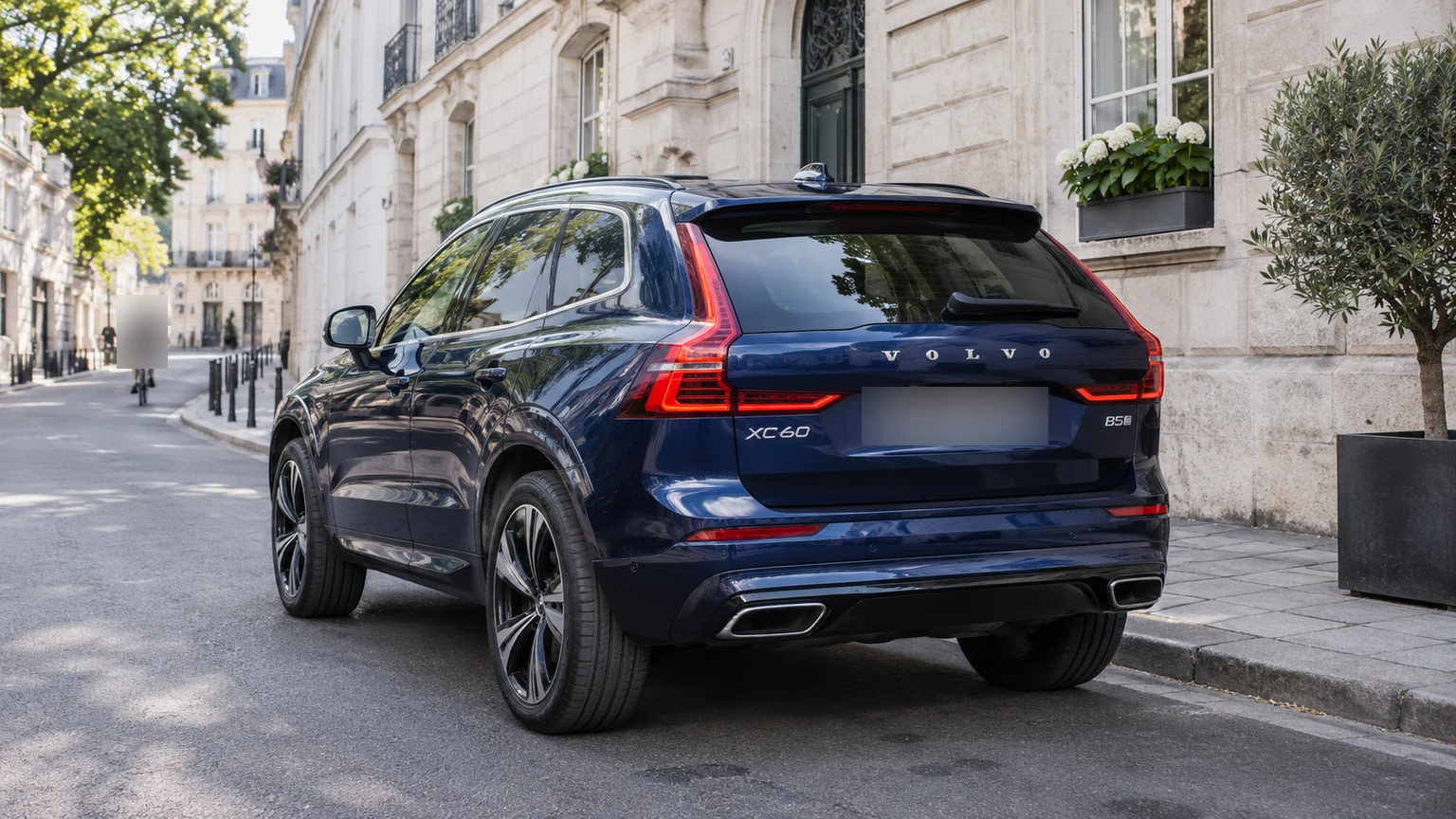 Clean MP4 / PNG
For high-contrast black-on-white text, select Solid Censor Bar for 100% irreversible destruction, or pick Gaussian/Mosaic for softer UI screenshots—then export lossless PNG with zero watermark.
Academic security researchers have repeatedly demonstrated that light Gaussian blur or fine pixelation applied over typed fonts (Arial, SF Pro, Consolas, bank statements) can be attacked by dictionary pattern-matching because known letter widths produce predictable gray blurs. Worse, translucent iOS highlighter pens leave 5% contrast readable when someone boosts gamma levels in Photoshop!
Whenever you blur part of image documents containing passwords, SSNs, IBANs, tracking numbers, or legal PII, our workspace defaults to Solid Censor Bar—overwriting every pixel in the rectangle with flat #0f172a ink (R=15, G=23, B=42, A=255) so zero underlying luminance survives.
Unlike mobile markup pens that stack semi-transparent strokes, our Censor Bar writes opaque RGB values directly into the output buffer—impossible to brighten, invert, or de-convolve.
When hiding non-critical UI clutter, customer avatars, or sidebar menus in product documentation, switch to feathered Gaussian blur (26+) so your tutorial screenshot stays clean and readable.
Sanitize invoices, lab reports, tax forms, and code screenshots locally before uploading images into ChatGPT, Claude, Slack, Jira, or public Discord channels.
Pick the appropriate filter for your threat model before you blur part of image assets.
| Document / Asset Type | Safest Filter Mode | Why It Works Best |
|---|---|---|
| API Keys, Passwords, SSNs, Bank Numbers | Solid Censor Bar | 100% irreversible pixel replacement; immune to OCR & contrast hacks |
| Shipping Labels, QR Codes, Barcodes | Solid Censor Bar or Mosaic `36+` | Breaks finder patterns and character spacing completely |
| UI Sidebars, Avatars & Background Photos | Gaussian Blur `26+` (Blur Face Online) | Keeps product documentation clean without harsh dark bars |
| Vehicle VIN Stickers & Title Photos | Solid Bar + Blur License Plate | Protects registration and ownership records on car marketplaces |
Boarding passes, concert tickets, and Amazon return labels encode your full name and booking PNR inside 2D QR/Aztec barcodes even if you hide the printed text—always mask the barcode too.
Every exported PNG drops embedded camera GPS coordinates, author tags, and thumbnail previews—preventing the classic “cropped thumbnail” metadata leak.
Before attaching a sanitized image to a public ticket, tweet, or court exhibit after you blur part of image fields, run through these quick checks:
Security teams auditing leaked credentials on public issue trackers consistently find that accidental leaks happen outside the center of attention—such as hover tooltips, browser DevTools network tabs, Docker container hostnames, or Slack sidebar channel names. Taking five extra seconds to scan all four corners of your screenshot before clicking Export Free guarantees that sanitized bug reports, customer support tickets, and compliance attachments stay genuinely zero-knowledge across every team workflow.
Account IDs, customer emails, and internal hostnames often appear a second time inside the browser address bar or window tab at the very top of a desktop screenshot.
Tall letters (h, k, l) and descenders (g, p, y) give away word shapes if left exposed along the top or bottom border of a tight box. Looking to soften video rooms instead? Visit Blur Video Background.
Open Blur Part of Image, drop your screenshot or scan onto the canvas, drag rectangles over the sensitive regions, choose Solid Censor Bar, Mosaic, or Gaussian Blur, and download—100% locally in your browser with zero server upload.
Yes! Click Add Custom Box as many times as needed to mask names, addresses, amounts, and avatars in one export—completely free with zero watermark.
Yes—it works instantly in Safari, Chrome, Edge, and Firefox across desktop and mobile with zero software installation.
Mobile highlighter brushes are semi-transparent even after multiple strokes; boosting brightness and contrast in any image editor reveals the text underneath. Our Solid Censor Bar overwrites pixels with 100% opaque values so nothing can be recovered.
Yes. Typed characters on flat backgrounds have predictable widths that deconvolution algorithms can sometimes guess under light blur. Always use Solid Censor Bar for text, numbers, API keys, and barcodes.
No. Some PDF/JPEG editors accidentally leave the original unedited EXIF thumbnail inside the file header ("Acropalypse"-style leaks). Our HTML5 Canvas export writes a brand-new flat PNG bitmap with zero embedded thumbnails or EXIF tags.
Yes! Any smartphone scanner can read your name, address, or ticket code from an unmasked barcode in half a second—cover the entire QR/barcode block.
Never. Your screenshot exports at full 1:1 native pixel dimensions with crisp UI text and zero watermark.
Yes, toggle between Solid Censor Bar, Mosaic Pixelate, and Gaussian Blur live on the canvas before downloading.
No—all image and screenshot redaction on BlurVideoOnline is 100% free forever with no login required.
Open Blur Video Online to place persistent blackout or mosaic boxes over moving or static UI areas—free locally up to 30 seconds or via Pro Cloud for long recordings.
Video Blur Suite
Photo Redaction