Hide Kids Faces in Photos for Parent Groups & School Newsletters
Teachers and parents sharing classroom projects or birthday party albums on Instagram and WhatsApp can anonymize minors respectfully while keeping cute activity moments intact.
Blur Face Online in any photo instantly with 100% browser-local privacy. Whether you are sharing school field-trip pictures, crowd street photography, clinical before-and-after cases, or dating-profile snapshots, every pixel renders locally on your device—completely free forever, unlimited resolution, zero server uploads, and zero watermark.
100% private local mode for photos & clips up to 30s · Zero watermark on every export
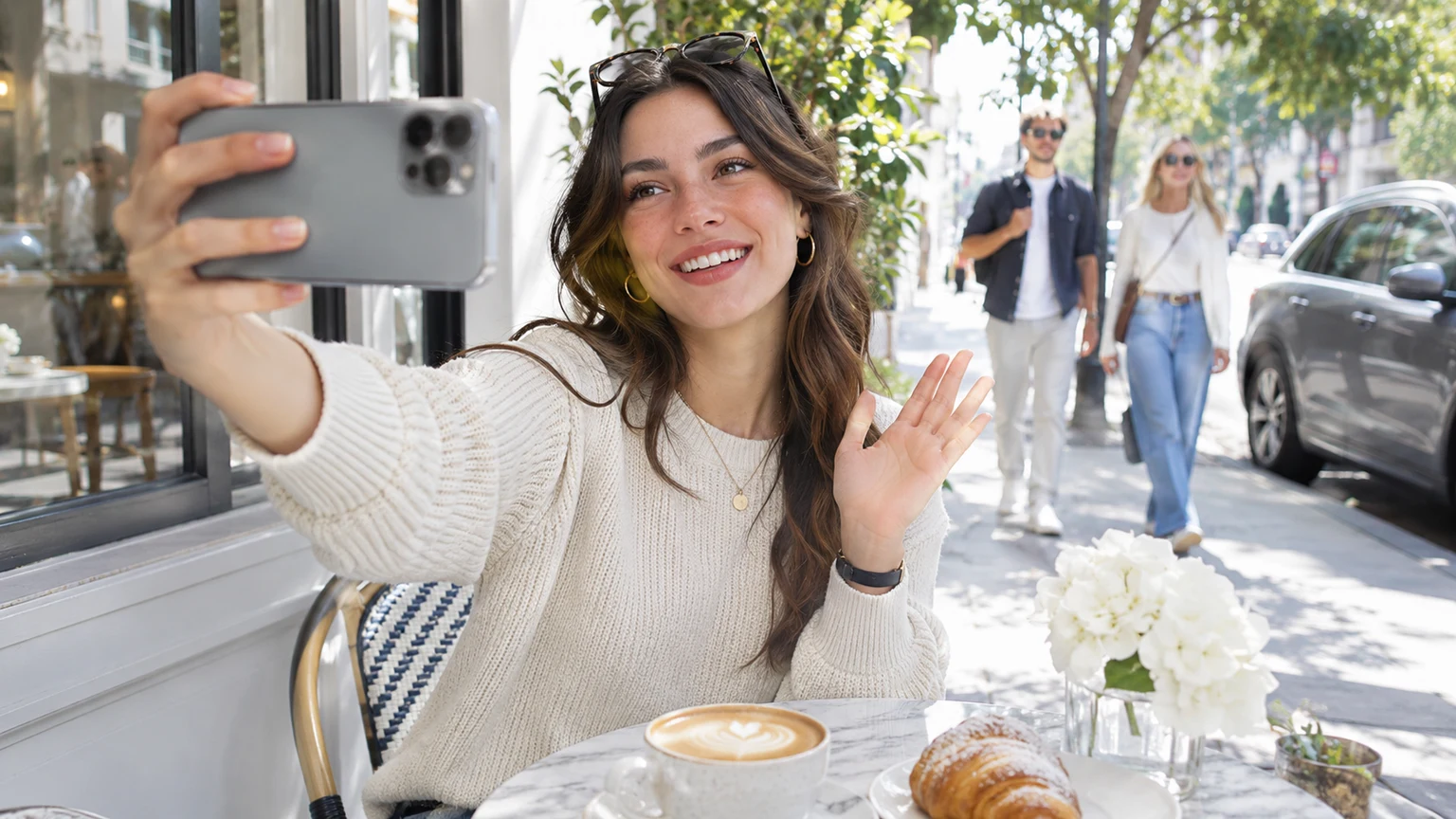
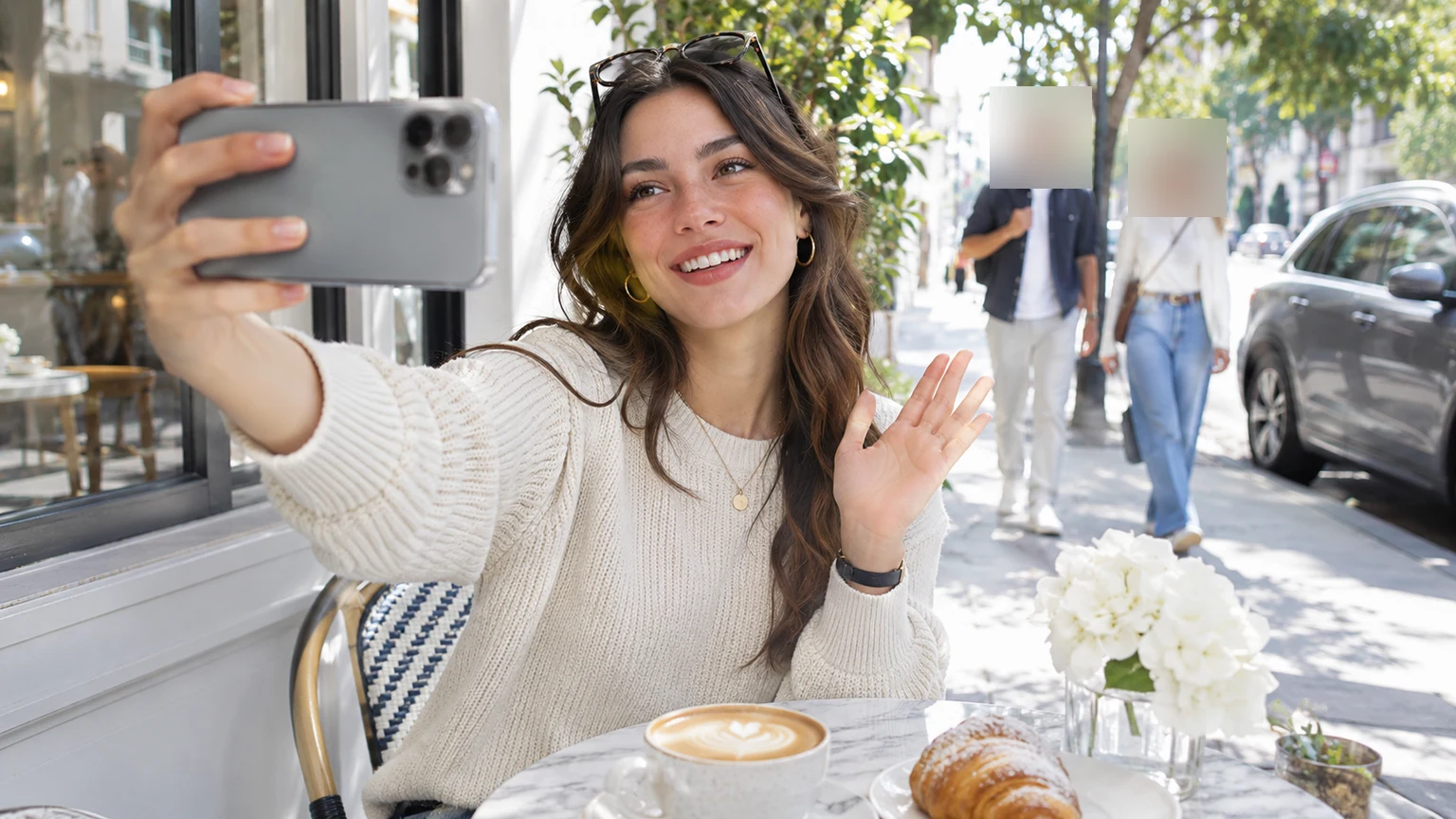
Drop your video or photo here, or test instantly below — Drag inside any box to move it, drag its corner square to resize, or drag anywhere to draw a new blur region.
Redaction Style
Detected People & Plates (Click to Keep Speaker Sharp)
Processed 100% on your device. Zero upload, zero watermark.
Private On-Device Mode
Photos and short clips up to 30 seconds process directly inside your browser—files never leave your device.
Selective Speaker Lock
Click your own face once to stay sharp while background pedestrians, children, and license plates blur automatically.
Zero Watermark Exports
Download clean MP4, WebM, or PNG files ready for YouTube, TikTok, Reels, dashcam claims, and client reports.
100% browser-local photo processing: unlimited resolution PNG export, zero bytes uploaded, zero watermark.
Most “free” photo editors upload your private family or workplace pictures to remote cloud buckets and then demand a subscription before letting you download full resolution. When you blur face online here, HTML5 typed-array filters run straight inside your browser tab in milliseconds.
Auto Face ScanSelect any JPG, PNG, or WebP photograph from your laptop, iPhone, or Android gallery. Nothing is transmitted over the internet—even 24-megapixel camera files stay in local memory. Working with moving clips instead? Open Blur Face in Video.
Speaker Kept SharpPosition face boxes over bystanders, classmates, or patients, and toggle Keep Sharp on yourself or anyone who gave permission to appear.
 Clean MP4 / PNG
Preview Gaussian blur, mosaic pixelation, or solid black censor bars live, then click Export Free to download a crisp, uncompressed PNG with zero watermark and no sign-up.
High-megapixel smartphone cameras capture crystal-clear facial biometrics of everyone sitting three tables away in a restaurant or standing behind your child at a soccer game. Taking ten seconds to blur face online protects innocent bystanders from facial-recognition indexing without ruining your composition.
Because our image tool requires zero credits and zero account registration, parents, teachers, real-estate agents, and journalists can bookmark this page as an instant daily privacy utility.
Teachers and parents sharing classroom projects or birthday party albums on Instagram and WhatsApp can anonymize minors respectfully while keeping cute activity moments intact.
Stop placing giant tacky emoji stickers over people’s heads. Subtle optical Gaussian feathering keeps wedding, travel, and street photos looking editorial and natural.
Switch from soft Gaussian to square mosaic blocks or opaque eye/face bars when publishing public-interest photography, dermatology case studies, or HR workplace reports. Redacting ID text or addresses too? Use Blur Part of Image.
See why photographers and compliance officers prefer dedicated RGBA kernel filtering when they blur face online.
| Method | Visual Quality | Privacy & Metadata Safety |
|---|---|---|
| Emoji Stickers | Distracting cartoon clutter | Easy to misalign around hair/chin edges |
| Tight Cropping | Destroys scene context & framing | Often impossible when bystanders stand between subjects |
| Blur Face Online (Ours) | Clean Gaussian, Mosaic, or Censor Bar | Canvas re-export strips EXIF GPS + destroys facial landmarks |
Exporting through HTML5 Canvas generates a fresh pixel buffer that automatically drops embedded EXIF latitude/longitude coordinates and camera serial numbers—giving you location privacy as a bonus.
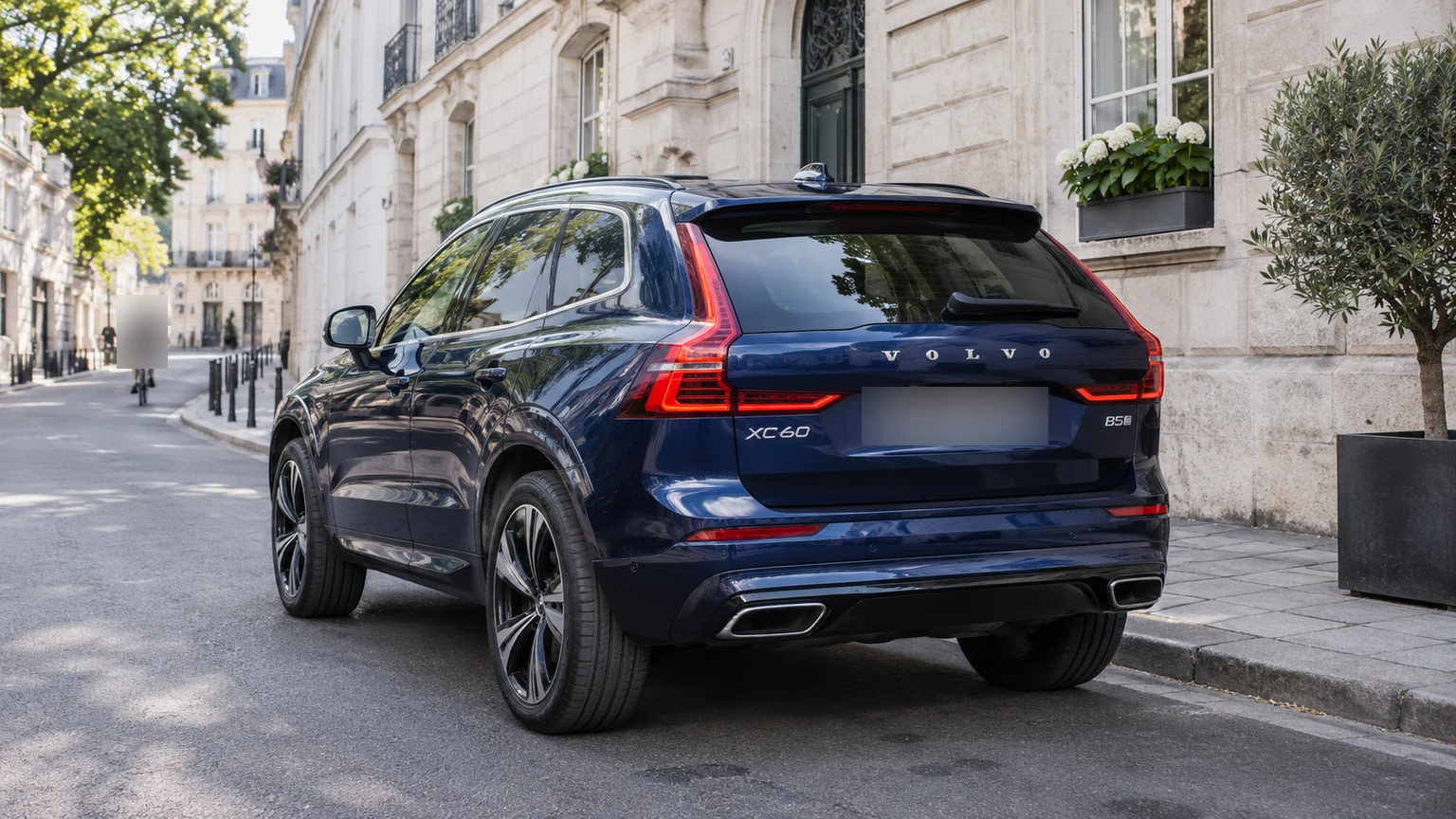
Street and driveway photos often include both neighbors and parked cars. Add extra boxes right on the canvas or visit Blur License Plate and Blur Video Online.
When you blur face online on high-resolution 12MP–48MP photos, expand each box slightly past eyebrows, ears, and distinctive jawline contours, and verify that Gaussian strength is set to at least 26 (or Mosaic 28+) before saving.
Modern mirrorless cameras and flagship phones store far more than visible RGB pixels inside JPEG and HEIC containers: embedded maker notes, lens serial numbers, GPS altitude, and even a secondary uncropped preview bitmap often ride along invisibly. Processing portraits through our client-side HTML5 Canvas pipeline writes a clean PNG buffer from scratch, eliminating hidden metadata side-channels while keeping skin tones, architectural lines, and ambient street lighting completely intact across the rest of your photograph.
Mirrored aviators, conference lanyards, school crests on uniforms, and café windows behind your subject can reveal names or faces—drop an extra rectangle over badges in two clicks.
Whenever your workflow moves from still photography to motion clips, switch seamlessly to Pixelate Video or Blur Video Background.
Property photographers, wedding vendors, and community organizers routinely clear framed family portraits on living-room walls and unconsented guests at outdoor venues before uploading MLS home tours, Airbnb galleries, or neighborhood newsletters—zero credits, zero account friction, and zero watermarks on every single export.
Open Blur Face Online, select your JPG, PNG, or WebP photo from your computer or mobile gallery, position the redaction box over each face you want hidden, pick smooth Gaussian blur, mosaic pixelation, or blackout bar, and click Export Free—no account, no payment, and no watermark.
Open this page in iOS Safari, tap Upload to choose a picture from your iPhone Photo Library, drag the corner handles over any face, and save the clean PNG straight back to Photos.
Never. Blur Face Online is a 100% client-side browser tool—your image bytes stay strictly inside your own device’s RAM and never touch any server.
Yes—add boxes over each bystander or toggle Keep Sharp on your own face so you stand out clearly while everyone else is blurred.
Yes! Rendering a fresh PNG from HTML5 Canvas automatically omits camera EXIF tags, including GPS coordinates, timestamp, and device model.
No. Still photos export at their exact 1:1 native pixel width and height as crisp lossless PNG files without JPEG block compression artifacts.
Zero daily limits, zero watermarks, and zero credit charges—still photo face blurring runs on your own browser hardware and stays 100% free forever regardless of image count.
Smooth Gaussian Blur (strength 24–32) blends skin and background tones naturally without harsh geometric edges, whereas Mosaic Pixelate suits news or meme graphics.
Generative “unblur” tools hallucinate generic faces rather than recovering true identity when source detail is destroyed, and Solid Censor Bar or heavy Mosaic (`32+`) removes 100% of underlying pixel gradients.
Yes—because photo redaction runs entirely in local JavaScript and Canvas without API calls, it continues working even if your Wi-Fi drops.
Save or export the iPhone Live Photo as a short .mov or .mp4 video file and open Blur Face in Video—every clip up to 30 seconds renders locally in your browser for free with zero watermark.
Video Blur Suite
Photo Redaction
Popular Workflows