Mosaic Blur Video Online for Broadcast & Documentary Cuts
Match classic television news aesthetics without firing up Premiere Pro or After Effects motion trackers. Square mosaic edges stay crisp at both 30fps and 60fps without muddy halo artifacts.
Pixelate Video footage with crisp, broadcast-grade mosaic blocks right inside your web browser. Ideal for investigative newsroom packages, true-crime documentaries, street-interview anonymity, and screen-recording censorship—short clips up to 30 seconds render free on your device with zero uploads and no watermark, while Pro Cloud AI tracks longer 1080p and 4K timelines.
100% private local mode for photos & clips up to 30s · Zero watermark on every export
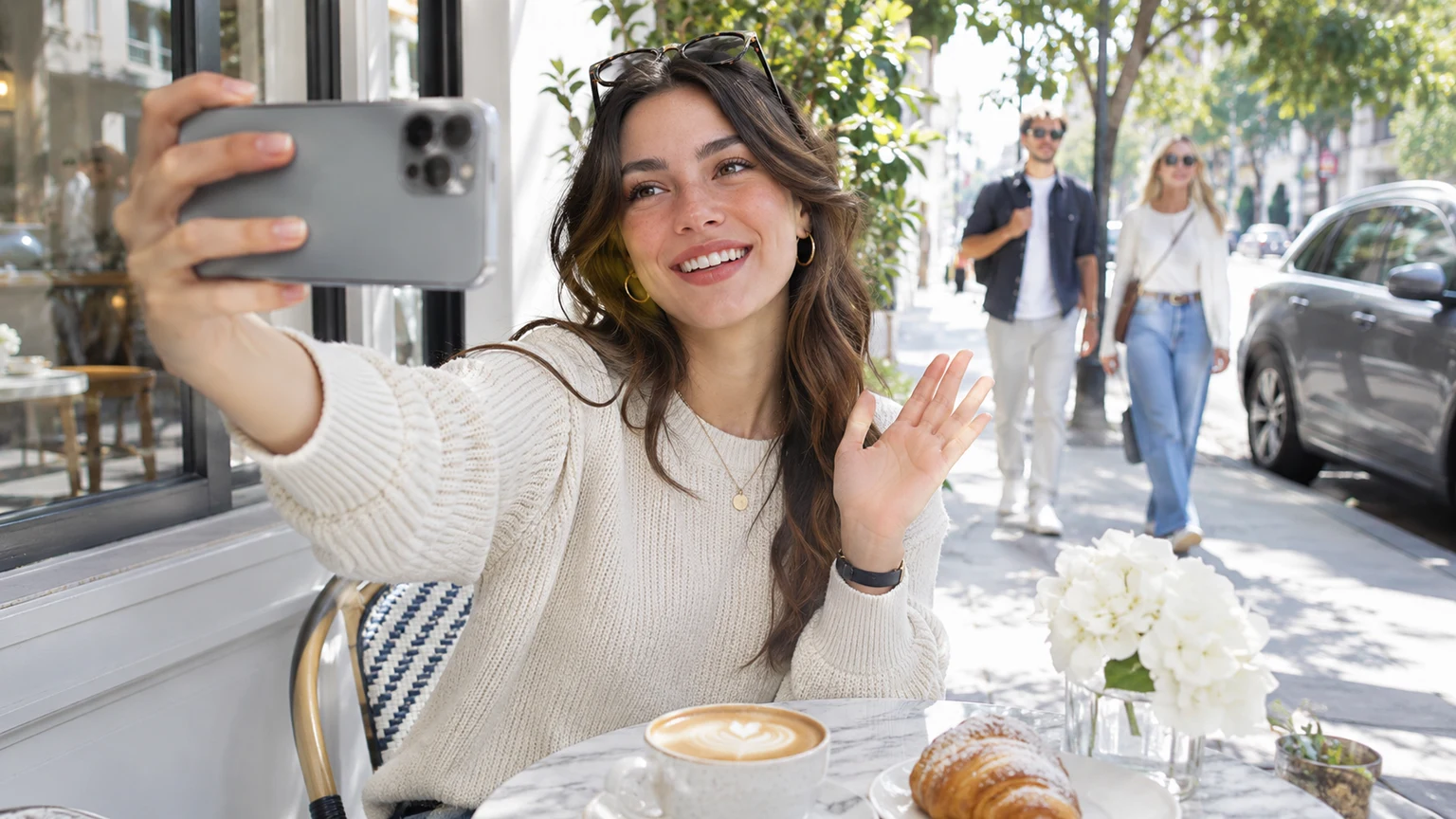
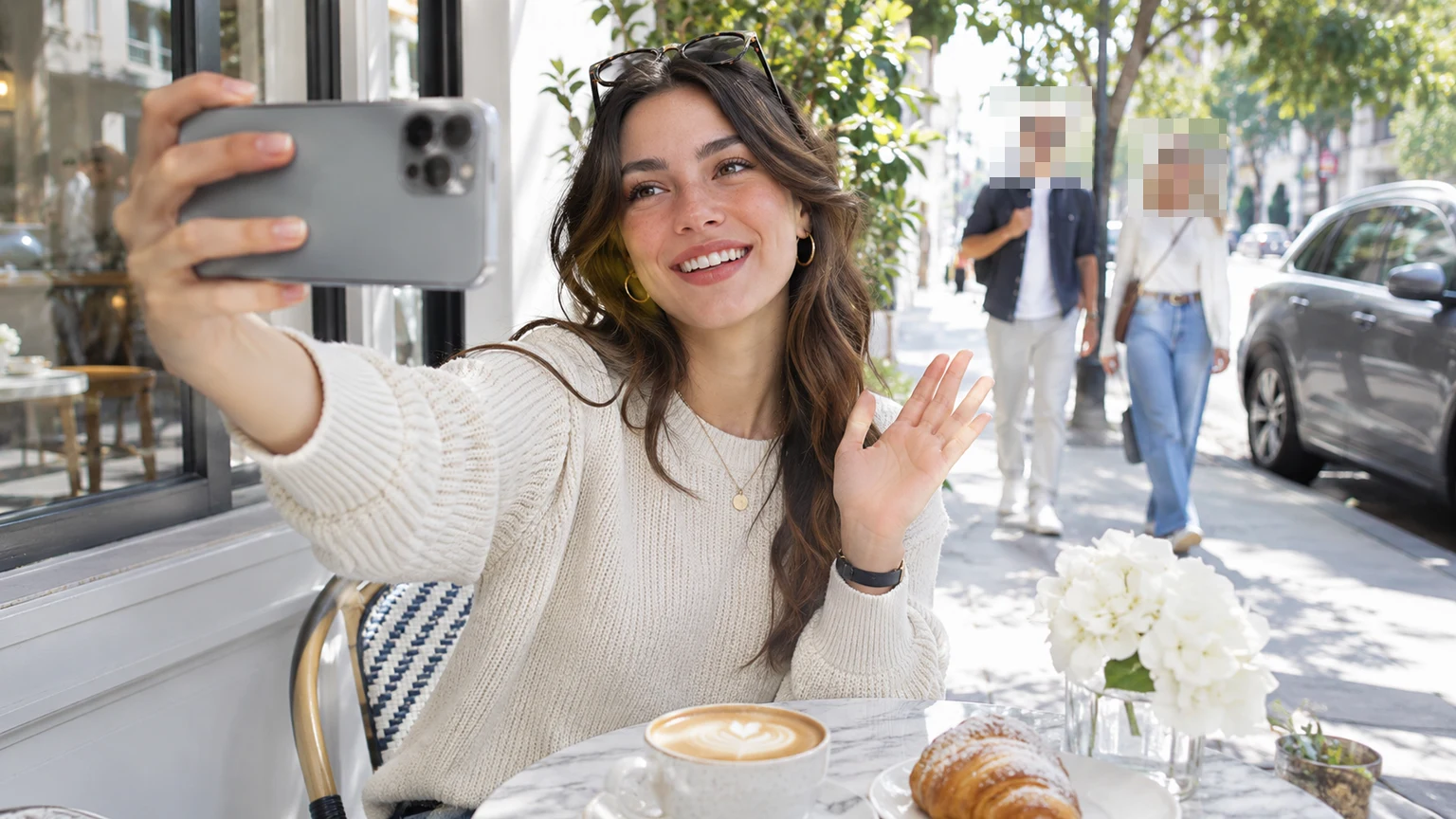
Drop your video or photo here, or test instantly below — Drag inside any box to move it, drag its corner square to resize, or drag anywhere to draw a new blur region.
Redaction Style
Detected People & Plates (Click to Keep Speaker Sharp)
Uses 5 credits (5s clip) · 30 free credits on sign-up
Private On-Device Mode
Photos and short clips up to 30 seconds process directly inside your browser—files never leave your device.
Selective Speaker Lock
Click your own face once to stay sharp while background pedestrians, children, and license plates blur automatically.
Zero Watermark Exports
Download clean MP4, WebM, or PNG files ready for YouTube, TikTok, Reels, dashcam claims, and client reports.
Broadcast mosaic preset: Pixelate grid size 32px with nearest-neighbor block quantization and anti-flicker hold.
Unlike soft Gaussian feathering—which blends neighboring colors smoothly—mosaic quantization divides a target rectangle into uniform macro-blocks and averages every pixel inside each cell. That unmistakable grid immediately signals intentional editorial redaction to viewers when you pixelate video segments for TV, YouTube, or compliance archives.
Auto Face ScanDrop an MP4, MOV, or WebM recording into the canvas. Clips under 30 seconds stay completely inside local browser memory with zero network transfer. Need to pixelate a static screenshot instead? Jump to Blur Part of Image.
Speaker Kept SharpSelect detected bystanders, car tags, or custom screen regions, and slide the intensity control (8–48) to scale mosaic block size in real time. Keep consenting presenters clear using Keep Sharp—or explore dedicated Blur Face in Video controls.
 Clean MP4 / PNG
Download short browser-rendered clips free on the spot, or submit multi-minute 1080p/4K projects to Pro Cloud AI with full original audio and zero promotional watermarks.
Viewers watching news investigations, bodycam releases, whistleblower interviews, or workplace training clips expect clear visual boundaries between redacted and unredacted areas. Soft optical blur can sometimes look like an accidental autofocus miss, whereas deliberate mosaic cells leave zero ambiguity that sensitive data was responsibly censored.
From an information-security standpoint, when you pixelate video using coarse block dimensions (>= 28px on 1080p footage), each cell collapses hundreds of source pixels into one flat RGB average, destroying character strokes on ID cards, tattoos, and street signs.
Match classic television news aesthetics without firing up Premiere Pro or After Effects motion trackers. Square mosaic edges stay crisp at both 30fps and 60fps without muddy halo artifacts.
Whistleblowers and undercover sources often need more than facial masking—distinctive sleeve tattoos, company lanyards, and apartment doorbells also reveal identity. Layer multiple mosaic tracks in one pass or use Blur Video Online for mixed mask styles.
Linear keyframe interpolation paired with temporal anti-flicker hold prevents the pixel grid from slipping off moving targets during whip pans or sidewalk crossings.
Because a 12px block looks chunky on a 480p clip yet barely hides text on a 4K recording, our engine normalizes cell dimensions relative to frame resolution whenever you pixelate video online.
| Mosaic Intensity | Effective Grid Feel | Recommended Redaction Target |
|---|---|---|
Low (10–18) | Fine retro pixel texture | Stylized gaming intros, mild background logo softening |
Medium (20–30) | Standard TV news mosaic | Distant pedestrian faces, retail store signs, apparel logos |
Heavy (32–48) | Coarse irreversible censor blocks | Close-up faces, Blur License Plate tags, PIN pads & screens |
Content creators also use dynamic mosaic tracking for comedic censorship, spoiler hiding in game walkthroughs, and protecting chat overlays in Twitch VOD highlights.
Pro Cloud exports mux your untouched source audio stream directly into the finished MP4 so voiceovers, bleeps, and room ambience stay frame-accurate.
When censored text scrolls across a bright white monitor, characters right on the border of a tight box can peek out for a split second. Add a 10–15% margin around scrolling UI widgets when you pixelate video tutorials, or pair mosaic regions with soft portrait bokeh in Blur Video Background.
Another pro editorial habit is matching block cadence to frame rate during fast screencasts. When you record a 60fps software walkthrough showing customer billing tables or Kubernetes terminal logs, coarse nearest-neighbor mosaic quantization prevents intermediate sub-pixel anti-aliasing from leaking partial digits as rows scroll upward. Field producers and OSINT researchers rely on this deterministic block grid because every exported frame clearly documents where redaction occurred without muddying adjacent UI buttons.
Need broadcast pixelation on faces while placing a zero-luminance blackout bar over a bank account number? Switch styles freely or run a quick still check in Blur Face Online.
Breaking-news reporters can trim and pixelate witness clips right from a smartphone browser before filing stories from the field.
Square pixel cells stay perfectly isotropic across ultrawide desktop screen recordings, 16:9 YouTube essays, and 9:16 mobile shorts without horizontal stretching, color banding, or blurry bilinear upscaling artifacts along block seams.
Upload your MP4, MOV, or WebM clip on Pixelate Video, select or draw target boxes over the areas to censor, adjust the mosaic block size slider, and export directly from your browser with zero watermark.
When you use a coarse mosaic grid (strength >= 30), hundreds of original pixels inside each square are averaged into a single flat color value—permanently discarding fine detail. For sensitive text or SSNs, use heavy mosaic (36+) or Solid Censor Bar.
Yes! Videos up to 30 seconds (<= 720p) and all still images are 100% free in Browser-Local Mode with no watermark. New accounts also receive 30 free welcome credits (3 minutes of 1080p Pro Cloud AI tracking).
Pixelate replaces regions with sharp-edged square mosaic blocks (classic TV news / documentary style), whereas Gaussian Blur applies smooth optical feathering. Both are available in the workspace.
Yes. Click Add Custom Box, place the rectangle over the tattoo, badge, or label, and set start/end keyframes so the mosaic follows the object smoothly.
Never. Free Browser-Local Mode processes every frame in client-side HTML5 Canvas memory—zero bytes leave your device.
Yes—enable the mosaic track on your anonymous source and mark the interviewer as Keep Sharp.
Yes, 9:16 vertical, 1:1 square, and 16:9 horizontal videos maintain their exact aspect ratio and sharp pixel grid geometry.
Pro Cloud charges 1 credit per 6 seconds of video (minimum 5 credits), with automatic credit refund if any server error occurs.
No—all exports from BlurVideoOnline are completely watermark-free.
Yes, dragging the Strength slider from 8 to 48 scales the mosaic cell size live on the preview canvas before you export, letting you verify full facial and text illegibility at full screen.
Video Blur Suite
Photo Redaction
Popular Workflows